
Matter OTA in Apple Home: The manufacturer provides it, the hub distributes it
 Anthony4 min read
A Matter-compatible outlet or lock can continue to respond in the Home app even while running older firmware. The protocol handles the delivery, but the update is still developed and released by the manufacturer.
In Apple Home, the manufacturer registers the version in the Matter registry, and then the primary hub transmits the file to the accessory. This process makes it possible to look in the right place when an update doesn’t arrive. However, the Apple documents consulted do not guarantee a uniform support period across manufacturers.
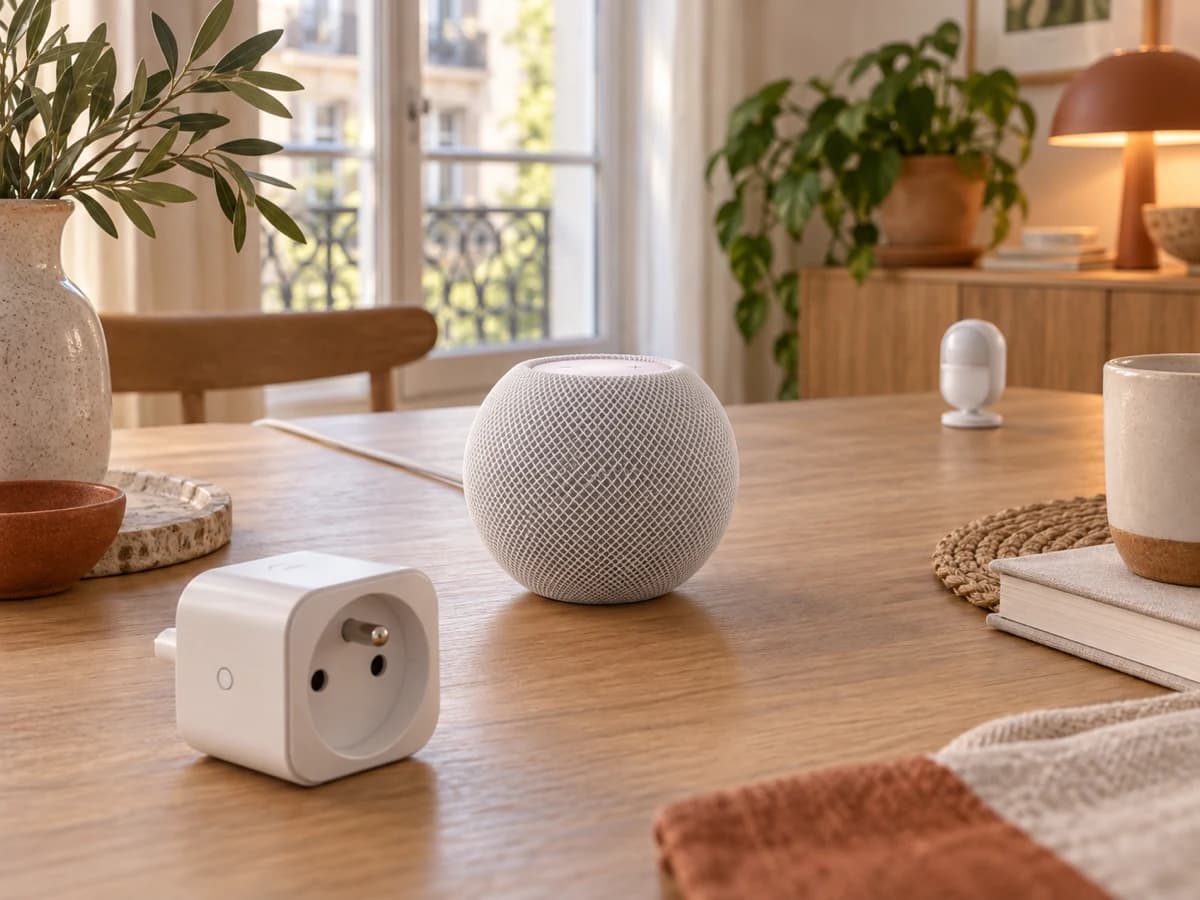
The manufacturer retains control over the update
Matter refers to the accessory as an OTA Requestor: it checks to see if a newer software image is available. The manufacturer remains responsible for the firmware, its compatibility, and its availability.
For Apple Home, the manufacturer records the model, version, and file URL in the Distributed Compliance Ledger, or DCL. This ledger allows the system to locate the image that matches the Vendor ID, Product ID, and installed version. It does not replace either the team that fixes a vulnerability or the server that hosts the file.
The OTA capability alone is therefore not sufficient to determine whether a new version will be released. Without compatible firmware, an accessible file, and metadata matching the model, Apple Home has no image to distribute.
The main hub becomes Apple’s relay
The Apple Matter OTA – User Guide, R5 dated February 12, 2026, marked Developer Preview, describes the primary hub as the OTA Provider. The accessory requests the image from it; the hub retrieves it and transmits it.
Only the hub displayed as connected in Home Settings > Hubs and Bridges performs this task at any given time.
For its OTA scenario on Thread, the guide requires a Thread-compatible Apple hub. For pairing and control, Apple also mentions a third-party edge router and certain Thread-compatible iPhones running iOS 18. This local control does not make the iPhone the guide’s OTA Provider.
Automatic Does Not Mean Immediate
In Home Settings > Software Update > Other Accessories, the primary hub can automatically apply the firmware when the option is enabled. When this option is disabled, the user must initiate the update in Home.
In DCL TestNet, Apple mentions approximately 24 hours between the release of a version and notification of it. Apple also provides an approximate timeframe of 48 hours to observe the implementation in these tests, using the default OTA Requestor. These approximate timeframes do not constitute a guaranteed timeline for commercial products.
Four Responsibilities, Four Points to Check
| Link | Role | Point to Check |
|---|---|---|
| Manufacturer | Produces and maintains the firmware | Version intended for the model and the installed version |
| DCL Matter | References the version and file location | Entry, URL, and corresponding metadata—to be confirmed with the manufacturer |
| Primary Apple Hub | Retrieves and provides the image to the accessory | Hub connected and system up to date |
| Accessory | Queries the provider, downloads, and applies | Device powered on, reachable, and current version verified |
A command that works in Home proves that the accessory is communicating, not that it has the latest firmware. The absence of an update also does not prove that the manufacturer does not offer one.
Troubleshoot Before Resetting
- Note the exact model, the current firmware version, and, if available, the manufacturer’s release notes.
- In Home Settings > Hubs and Bridges, identify the connected hub and update that specific device.
- Check the automatic update settings, then leave the hub and accessory powered on and reachable.
- Compare the announced version with your model. Ask the manufacturer whether the update targets the installed firmware, whether it uses the described Apple OTA channel, whether the DCL entry exists, and whether the file remains accessible.
- If the accessory stops responding or if connectivity appears to be an issue, check the manufacturer’s app, then restart the accessory and the hub. For an unreachable third-party Thread device, Apple recommends turning it off for five minutes, followed by ten minutes of stabilization.
- Without confirmation regarding the version, the DCL entry, or the file, classify the cause as undetermined. Save deletion and reset for last.
To contact support, have the exact model, the installed firmware, the primary Apple hub, and its operating system ready. Ask which version the device is targeting, whether it is listed in the DCL for the described Apple OTA circuit, and whether its file remains accessible. Without these answers, the cause remains undetermined. The absence of a public response does not indicate that support has ended.
Support duration remains a purchasing criterion
The Apple documents reviewed describe the update path without guaranteeing a specific support duration. Before purchasing, ask for the announced support duration, a version history, and whether an alternative procedure exists—which should be confirmed.
A product may remain compatible with Apple Home even if the duration of its software support remains unknown. The Connectivity Standards Alliance notes that the availability of an update depends, in particular, on the manufacturer’s decision.
Before choosing a Matter accessory, ask how long the manufacturer plans to release firmware updates and through which channel. Apple’s OTA channel distributes available updates; it cannot provide a missing patch or, on its own, determine that support has been discontinued.