
Apple Home vs HomeKit: What’s the Difference in 2026?
 Anthony
Apple Home names the smart-home experience a household configures, while the Home app is the interface used to manage it. HomeKit is Apple’s framework for authorised apps and compatible accessories. Matter provides an additional, cross-platform route into the same consumer ecosystem.
The names overlap because Apple Home grew out of HomeKit, but current product labels cover more than that framework. A Matter accessory may work in Apple Home without being marketed as a HomeKit product. Separately, a HomePod or Apple TV can remain in the home as the hub for remote access and automations. The comparison below assigns each term one clear job before moving into setup and compatibility.
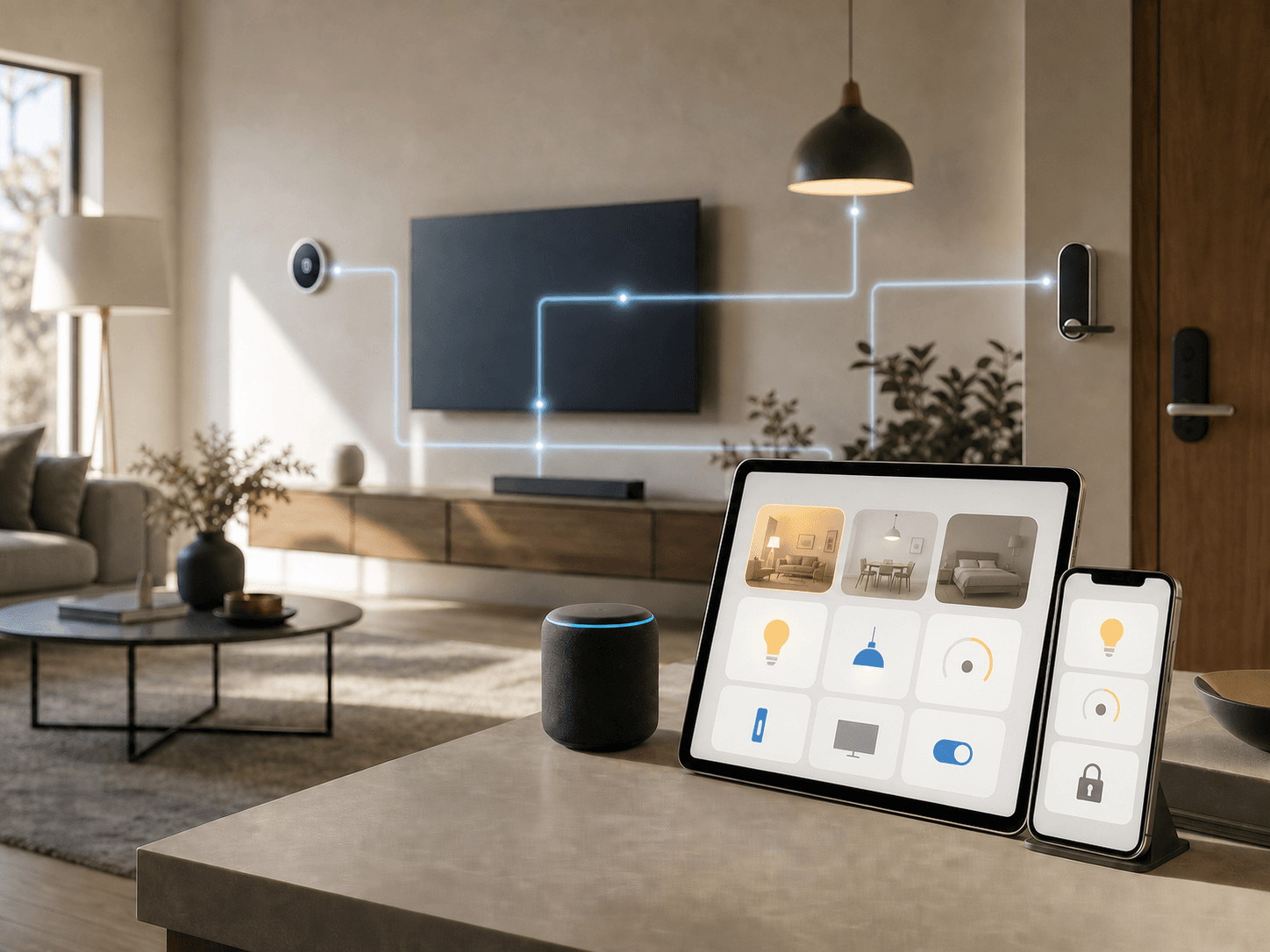
Apple Home, HomeKit and the Home app at a glance
| Term | What it is | What you use it for |
|---|---|---|
| Apple Home | Apple’s consumer smart-home ecosystem | Organising accessories, rooms, scenes, automations, household access and remote control |
| Home app | Apple’s built-in control interface | Adding and controlling accessories from iPhone or iPad, then managing them across supported Apple devices |
| HomeKit | Apple’s software framework and accessory technology | Giving apps secure access to a shared home database and letting compatible accessories work with Apple’s ecosystem |
| Matter | A cross-platform smart-home standard | Adding supported devices to Apple Home and, where the product allows it, sharing them with other ecosystems |
| Home hub | An always-on HomePod or Apple TV in the home | Running automations, enabling remote control and supporting shared access; some Thread devices also need compatible border-router hardware |
The simplest mental model is interface, system and technology. You tap the Home app. The app displays your Apple Home. HomeKit supplies Apple’s framework for apps and accessories, while Matter adds another compatibility route.
What Apple Home includes
Apple Home is the name that best describes the experience a household sees today. It covers the Home app, accessory setup, rooms, scenes, automations, notifications, invited residents and home hubs. Siri can also control accessories that have been added to the home.
Apple’s own Home app overview presents the ecosystem through Apple devices and names HomePod, HomePod mini and Apple TV as hub options. The branding is therefore broader than an app icon or an accessory protocol. Apple now provides a Works with Apple Home badge for eligible Matter-certified products as well as HomeKit accessories enrolled through the MFi programme. The practical promise is that the accessory can appear in Apple Home after a supported setup process.
That setup route may be HomeKit or Matter. This is why “works with Apple Home” and “HomeKit compatible” should not be treated as identical labels on a box.
What HomeKit actually does
HomeKit is Apple’s developer framework for smart-home apps and accessories. In Apple’s HomeKit documentation, apps use it to discover, configure and control accessories and to work with a persistent home configuration database. Apple’s Home app and authorised third-party apps can access that shared structure through the framework.
HomeKit also shaped the accessory certification model that long predated Matter. A traditional “Works with Apple HomeKit” device was designed for Apple’s framework and security requirements. Those products remain useful, but the arrival of Matter means HomeKit is no longer the only way for a device to enter Apple Home.
Calling HomeKit “the old name for Apple Home” misses this technical role. The consumer brand has widened; the framework still exists underneath apps and integrations.
Where Matter fits
Matter is maintained by the Connectivity Standards Alliance and is designed to let one certified accessory work across participating platforms. Apple Home is one of those platforms. A Matter light, lock or thermostat can therefore be added to Apple Home even if its packaging does not carry the older HomeKit badge.
Matter does not make every platform’s features identical. Apple, Google, Amazon and Samsung can expose different controls, automation options and device features. Apple-specific services such as HomeKit Secure Video are not unlocked merely because a camera supports Matter. A product may also support a Matter device category before every advanced manufacturer feature is available in the Home app. Check the current compatibility statement for the exact model rather than relying on the word “Matter” alone.
For mixed households, Matter’s multi-admin design can let the same compatible accessory join more than one ecosystem. Our Matter 1.6 guide explains how newer sharing mechanisms aim to reduce repeated setup without merging the apps themselves.
How to set up Apple Home
Use an iPhone or iPad for the initial accessory setup. Apple’s current setup instructions do not allow accessories to be added from a Mac, although the Mac Home app can control an existing home.
- Update the iPhone or iPad and connect it to the home Wi-Fi network.
- Open the Home app and tap Add, then Add Accessory.
- Scan the HomeKit or Matter code, or select a nearby accessory when Apple offers that option.
- Assign the accessory to a room and give it a name that will be easy to say to Siri.
- Test basic control before building scenes or automations.
A Matter accessory already paired in another app may offer a new pairing code so it can also be commissioned into Apple Home. The exact sharing flow depends on the first ecosystem and the accessory manufacturer.
If setup fails, confirm that the accessory is powered, close to the phone and on a compatible network. Some Wi-Fi accessories require 2.4 GHz during onboarding. Avoid resetting the device until you have checked the manufacturer’s app and its firmware instructions; a reset can erase an existing pairing or automation.
When an Apple Home hub is required
Apple now calls the hardware role a home hub. HomePod, HomePod mini and compatible Apple TV models can fill it. The hub stays powered inside the home so commands and automations do not depend on your iPhone being present.
You need a hub for remote control while away, shared household access and many automations and notifications. Thread accessories may also require a Thread border router, which is a model-specific capability rather than a feature of every Apple TV. Our current Apple Home hub guide lists the supported hardware and setup checks.
Basic local control can sometimes work without a hub when the controller and accessory are on the same network. Apple’s support pages also note that supported iPhones can onboard and control some Matter accessories locally without a hub. That exception does not provide remote access or replace a Thread border router where one is required.
An iPad remains a convenient Home app controller, but it is not a home hub on Apple’s current architecture. Apple ended support for the previous architecture on February 10, 2026; our guide to the 2026 Apple Home architecture change explains the migration and its consequences.
Apple Home and Android
Apple does not offer the Home app for Android. An Android phone cannot serve as a direct replacement for the Home app used by the Apple Home owner.
A mixed iPhone-and-Android household still has options. If an accessory supports Matter multi-admin, it may be commissioned into Apple Home and another compatible ecosystem such as Google Home. Each ecosystem creates a trusted Matter network called a fabric. To add another one, the first controller opens a temporary commissioning window and provides a fresh pairing code; the second app uses it to join the accessory without erasing the first fabric. Google’s official Matter multi-admin documentation describes this Android flow.
This shares the accessory, not the Apple Home itself. Apple-only scenes, automations, HomeKit Secure Video and household permissions do not automatically appear in the Android app. Manufacturer accounts can provide another cross-platform path, but their controls and privacy model are separate from Apple Home.
Frequently asked questions
Is Apple Home the same as the Home app?
No. Apple Home is the broader ecosystem; the Home app is its main control interface. The app displays homes, rooms and accessories stored in Apple’s home configuration and lets you manage them from supported Apple devices.
Is HomeKit being discontinued?
No announcement says that the HomeKit framework is being discontinued. Apple’s consumer language now emphasises Apple Home and Matter, while current developer documentation still provides HomeKit APIs. What ended in 2026 was support for the previous Apple Home architecture, not the HomeKit framework itself.
Does every Apple Home accessory use HomeKit?
No. Apple Home accepts traditional HomeKit accessories and supported Matter accessories. Look for the exact “Works with Apple Home,” HomeKit or Matter statement and verify that the product’s device type is supported.
Can a HomeKit device work without internet access?
Many HomeKit commands can run locally on the home network. Internet access is still needed for remote control, software updates and cloud-dependent manufacturer features. The answer therefore depends on the accessory and on which function you are testing.
Can I add accessories from a Mac?
No. Apple currently requires an iPhone or iPad to add an accessory. Once the home is configured, the Mac Home app can be used for control and management.
Is a HomePod required for HomeKit?
A HomePod is not required for every local HomeKit command. For full Apple Home functionality, use a home hub: either a HomePod model or a compatible Apple TV. Check the exact hardware if Thread support is part of the purchase decision.
Apple Home is the household-facing system you configure through the Home app. HomeKit remains Apple’s framework for authorised software and accessories, while Matter adds a cross-platform compatibility route without making every ecosystem feature identical.
For a new setup, read the product’s exact compatibility statement before choosing hardware. Use an iPhone or iPad for onboarding, then add a suitable HomePod or Apple TV if the home needs remote access, shared control or Thread infrastructure. Clear vocabulary turns a vague badge into a concrete setup decision.