
Matter in Apple Home: Features to Check Before Buying
 Anthony5 min read
A device bears the Matter logo, appears in the Home app, and responds to Siri. However, its manufacturer’s app sometimes offers more settings, measurements, or modes. This isn’t necessarily a glitch: Matter guarantees a common foundation, not a complete replica of all features across every ecosystem. Before making a purchase or migrating to Apple Home, a few checks can help you determine what will actually be available.
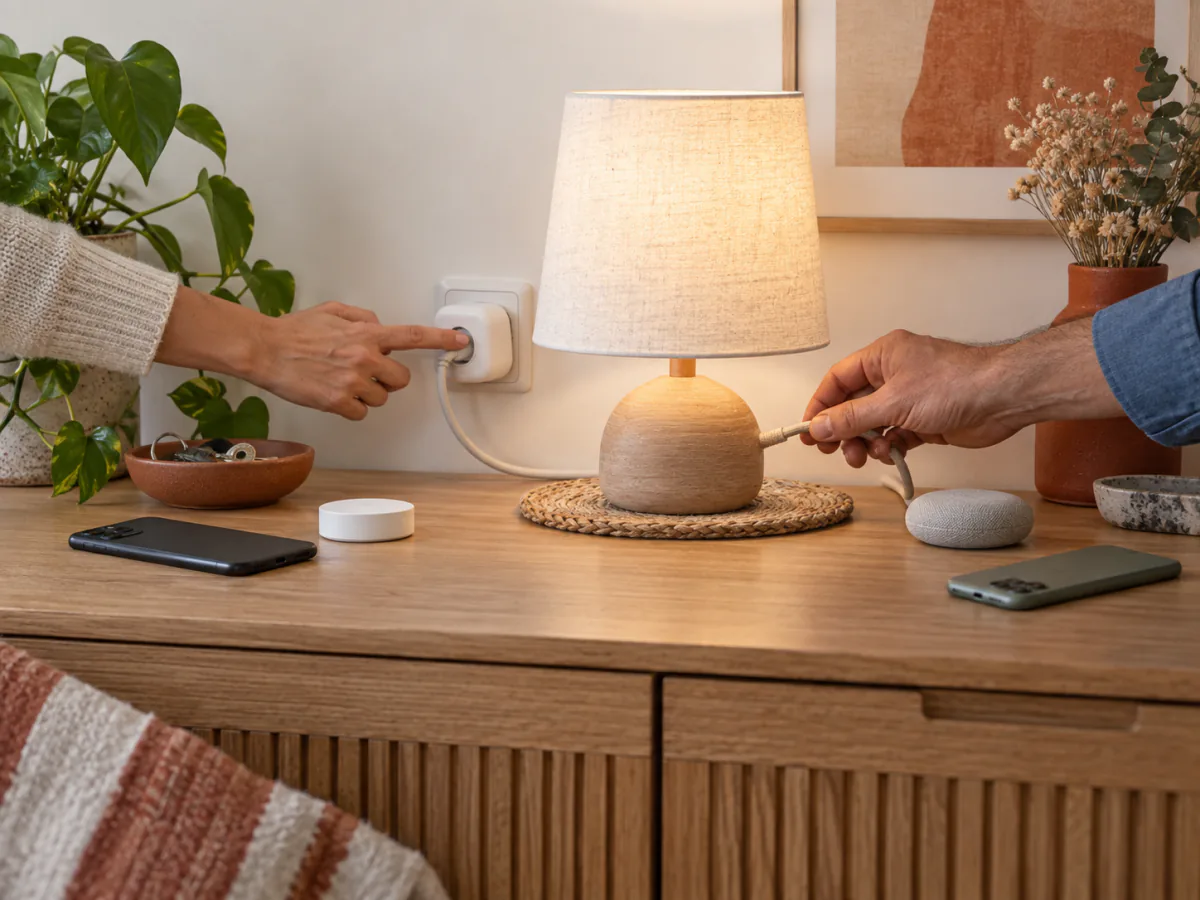
The Matter logo guarantees a common language, not all features
Matter certification indicates that a product implements an interoperability standard for its device type. It makes it easier to set up and integrate the product into multiple ecosystems. However, the Connectivity Standards Alliance notes that the manufacturer’s app may retain advanced settings or unique features.
Common controls may thus be available across multiple platforms, while certain advanced options remain specific to the manufacturer’s app. Compatible does not mean identical.
| Verified Claim | What It Implies | What It Does Not Guarantee |
|---|---|---|
| Matter Certification | The product complies with the certified standard for its version and type | All features of the manufacturer’s app in Home |
| Compatible with Apple Home | The accessory can join the Apple ecosystem under the specified conditions | The availability of every advanced setting, measurement, or detailed information |
| Thread | The product uses a low-power IP mesh network | An additional feature in the Home app |
| Multi-admin | The same accessory can be added to multiple compatible platforms | Identical scenes, histories, and settings across platforms |
First, check that Home supports this type of device
The Matter standard is evolving, but each ecosystem sets its own schedule for integrating versions and categories. On the Apple Support page viewed on September 21, 2026, Apple lists, among other things, air conditioners, bridges, lights, locks, outlets, switches, thermostats, blinds, and shutters, as well as several sensors: motion, ambient light, contact, temperature, and humidity. Another Apple page intended for manufacturers presents a different list; therefore, this list should not be interpreted as the sole or exhaustive list of Apple Home’s current status.
Apple’s current documentation remains the primary reference. A device may belong to a category defined in a recent version of Matter without Home already exposing its type or all its capabilities. The product’s release date is not sufficient: you must compare the exact model, its Matter version, its category, and the features actually supported in Apple Home at the time of purchase.
Even within the same category, you must verify the exact model
Don’t infer a product’s full range of features based solely on its category. Instead, treat this check as part of your purchasing process: review the technical specifications and support documentation for the exact model, note its firmware and Matter version, then look for confirmation or a verifiable test within Apple Home for each critical feature.
Make a list of essential features before migrating
Base your decision on your actual usage, not on the logos on the box. For each important feature, note where it must be available: in Home, in the manufacturer’s app, in an Apple automation, or only during setup.
- Common controls: on/off, brightness, temperature, position, or locking.
- Measurements: energy consumption, air quality, history, thresholds, and reporting frequency.
- Advanced settings: calibration, motor direction, behavior after power loss, lighting effects, or zones.
- Automations and alerts: triggers that are actually visible in Home, notifications, remote control.
- Maintenance: battery status, diagnostics, and firmware update method.
If a feature is essential, look for explicit confirmation that it works with Apple Home. A demonstration in Google Home, Alexa, or the brand’s app does not prove its presence in Home. Similarly, sharing an accessory across multiple ecosystems adds controllers to the same product; Matter does not guarantee synchronization of scenes, history, or settings specific to each app.
Control the network and hub separately from features
Matter can operate over Wi-Fi, Ethernet, or Thread. This choice affects how commands are transmitted, not the richness of the interface. A feature missing from Home will not reappear simply because the accessory uses Thread.
For a Thread product, verify the presence of a compatible edge router and check Apple’s requirements for your setup. A home hub remains particularly useful for automations, notifications, and remote access. For OTA updates, Apple’s R5 guide dated February 12, 2026, marked Developer Preview, describes the developer as the party that makes the firmware image and its URL available; the main hub can then distribute it to the accessory. Our guide on Matter OTA Updates in Apple Home (in English) details this process.
Checklist to Review Before Purchasing
- Note the exact product model number and its firmware version.
- Consult the latest Apple documentation to confirm the category and features supported in Home.
- Write down the three to five features you actually need.
- Check where each one appears: Home, Siri, Apple Automations, or the manufacturer’s app.
- Verify Wi-Fi or Thread requirements, the necessary hub, and remote access.
- Check the manufacturer’s update method and support policy.
- Keep the manufacturer’s app if it’s still needed for setup, diagnostics, or advanced options.
A vague answer like “Matter-compatible” isn’t enough. For a critical feature, request model documentation or a test performed in Apple Home with an identifiable software version.
Matter reduces reliance on a single ecosystem for common controls, without making all apps interchangeable. The right purchase, therefore, isn’t the one that racks up the most badges, but the one whose essential functions are supported in Apple Home and whose remaining options can, if necessary, be managed in the manufacturer’s app.